


Description
Product Introduction:
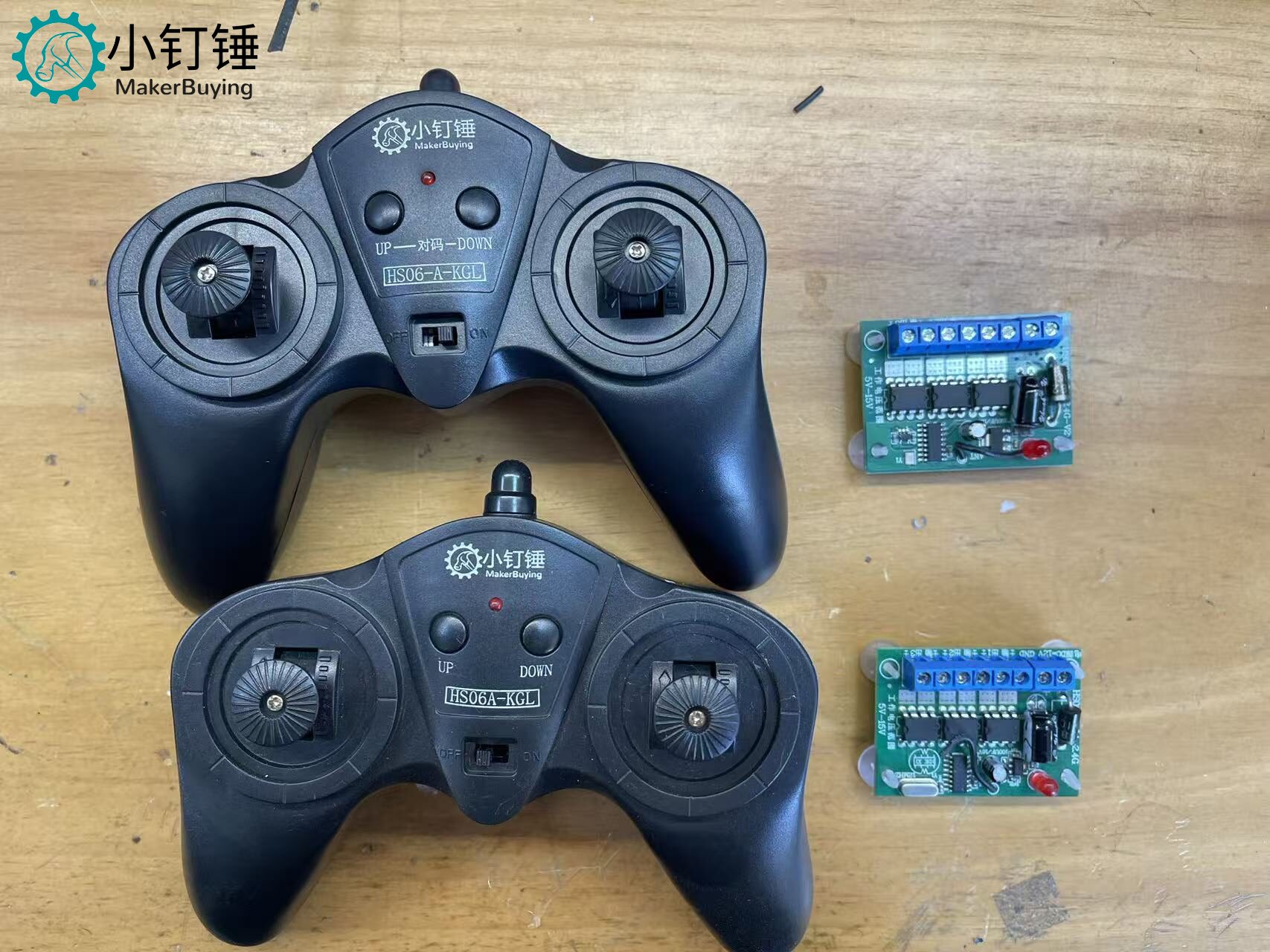
It usually includes a remote control and a receiver control board, suitable for controlling motor forward and reverse rotation, left and right steering, lighting, or other peripherals.
Product Features:
The wiring terminal adopts screws, suitable for repeated use in the classroom
Can work with a wide voltage range of 6-15V
Relatively high power, most motors can be usedThe working voltage range of this remote control is DC6V~15V
Can control the forward and reverse rotation of three 5A high-power motors
parameter
Remote control operating voltage: 3V (2 AA batteries)
Function: Can control the forward and reverse rotation of 3 5A high-power motors
Working voltage of the receiving board: DC 6V-15V
Maximum current of receiving board: locked rotor current not exceeding 5A
Remote control frequency: 2.4GHz
Remote control distance: 60 meters
Note:
The difference between A and B is the direction of the joystick
A is generally used for tanks, with two front and rear controls
B is generally used for small cars, one in front and one in the back, and one on the left and right
Parameter description:
1. Remote Control – Transmitting Board Operating Voltage: DC3V (Note: The remote control transmitting board is equipped with 2 ordinary 1.5V batteries, and cannot use Nanfu, Jinbawang, Shuanglu strong alkaline or rechargeable batteries to avoid burning out the circuit board control chip due to excessive power at the moment of startup)
2. The working input voltage range of the low-power receiving motherboard is DC 3.6V-6.0V (any power supply device can be used). The output voltage and current are: output voltage=input voltage, with a maximum continuous working current of 1.2A per three output/each single output.
3. High power receiving motherboard operating input voltage range: DC 6V-15V (can be used with any power supply device) output voltage current: output voltage=input voltage, three-way output/maximum continuous operating current of 5A per single output.
Frequency matching method:
【 Frequency (Code) Matching Method 】 (default pairing for shipping)
1. Press and hold the UP and DOWN keys (pairing keys) in the middle of the remote control at the same time, then turn on the switch and power it on. At this time, the red indicator light on the remote control flashes rapidly, indicating that it has entered pairing mode
Mode: Power on the receiver board within 10 seconds. Pay attention to the remote control indicator light flashing slowly a few times before turning off. At the same time, the red indicator light on the receiver board flashes slowly a few times before turning on normally, indicating successful code pairing.
2. After successful code matching, there is no need to match the code again when using it again. If the receiving board is damaged, a single receiving board can be matched with the original remote control to achieve a single transmitting board
Match multiple receiving boards.
3. Tip: The remote control can remotely control multiple receiving boards to work simultaneously. If this function is required, the remote control can repeatedly operate the code to multiple receiving boards (after the remote control successfully codes the first receiving board,
Turn off the remote control and enter the pairing mode again. For the next receiving board, follow the pairing method 1 above and repeat the pairing process for multiple receiving boards. This will enable multiple receiving boards to match
Equipped with a remote control, achieve simultaneous remote control of multiple devices.
New version, old version?


Kayden –
Amazing
Kayden –
Amazing remote